

Connecting to the internet has become an everyday routine, but the way that connection works is often overlooked. Each time you browse a website, open an app, or join a public Wi-Fi network, your device shares information that can be observed, logged, or analyzed by network operators and third parties. This is where tools like Planet Free VPN are often considered by users who want a basic layer of privacy without committing to a paid subscription.
A free VPN can help reduce exposure during routine online activities, but it is important to understand what these services realistically offer—and where their limits begin. Free tools are not designed to replace advanced security software or enterprise-grade protection. They are typically built for everyday browsing, short sessions on public networks, and users who want more control over how their connection appears online.
Before downloading any free VPN, expectations matter. Performance, privacy practices, and usability vary widely, even among legitimate services. Understanding these differences helps avoid risky installs and disappointing experiences.
What a Free VPN Actually Does
A VPN creates an encrypted connection between your device and a remote server. Instead of sending data directly through your local network, traffic passes through this encrypted tunnel. For anyone sharing a public Wi-Fi network—such as in cafés, hotels, or airports—this can reduce the risk of basic traffic interception.
Another practical effect is IP masking. Websites and apps no longer see your original IP address but instead detect the VPN server’s address. This changes how your location appears online and can limit certain forms of IP-based tracking.
It is important to separate realistic benefits from common assumptions. A VPN does not make users anonymous, nor does it protect against unsafe websites, phishing attempts, or malicious downloads. Its role is limited to how traffic is routed and encrypted.
Free VPN vs Proxy Services
Free VPNs are often confused with proxy tools, especially browser-based ones. A proxy typically redirects traffic at the browser level only. Other apps, background services, and DNS requests may still use the original connection without encryption.
A VPN application, even a free one, generally protects traffic across the entire device. This distinction matters for users who rely on mobile apps, messaging platforms, or cloud services outside the browser environment.
Common Limitations of Free VPN Services
Free VPNs operate with clear constraints. These limits are not hidden flaws but part of how the service remains available at no cost.
Most free offerings include some combination of:
- Restricted data usage or reduced bandwidth
- Limited server locations
- Slower speeds during peak hours
- Advertising within the app
- Fewer advanced settings or customization options
Understanding which limit affects your use case most is key. Casual browsing and messaging require very little data, while video streaming or large downloads quickly expose free-tier restrictions.
How Free VPNs Are Funded
If a service is free to download, its business model deserves attention. Some providers rely on in-app advertising, while others use free plans as an entry point for paid upgrades. Neither approach is inherently unsafe, but transparency matters.
Advertising-supported models may display banners or occasional full-screen prompts. The privacy impact depends on whether user behavior is linked to advertising identifiers. This is why reading privacy policies—even briefly—can make a meaningful difference.
Another important detail is logging. “No-logs” claims should be clearly defined. Activity logs and connection logs are not the same, and vague language often signals uncertainty rather than protection.
A Practical Safety Checklist Before Installation
Before installing a free VPN, a short review can help avoid obvious risks:
- Privacy policy clarity: Look for clear explanations of what data is collected and why.
- Encryption standards: Modern protocols and encryption methods should be mentioned explicitly.
- Update history: Recently updated apps are generally safer than abandoned ones.
- App permissions: Excessive or unrelated permissions are a warning sign.
- Device compatibility: Full-device apps offer broader protection than browser-only tools.
These checks take only a few minutes and significantly reduce the chance of installing unreliable software.
Using a Free VPN in Everyday Scenarios
Free VPNs are best suited for specific, everyday situations rather than constant high-demand use.
Public Wi-Fi is a common example. When checking email, reading news, or logging into accounts on shared networks, a VPN adds a protective layer against basic network monitoring.
For travel, a lightweight VPN can help maintain consistent access to familiar services while connected to hotel or airport networks. Stability and automatic reconnection are more important here than raw speed.
Social media and messaging generally work well on free plans, provided servers are not overcrowded. Streaming, however, often reveals the limitations of free tiers due to bandwidth caps and server congestion.
Getting Started with a Free VPN App
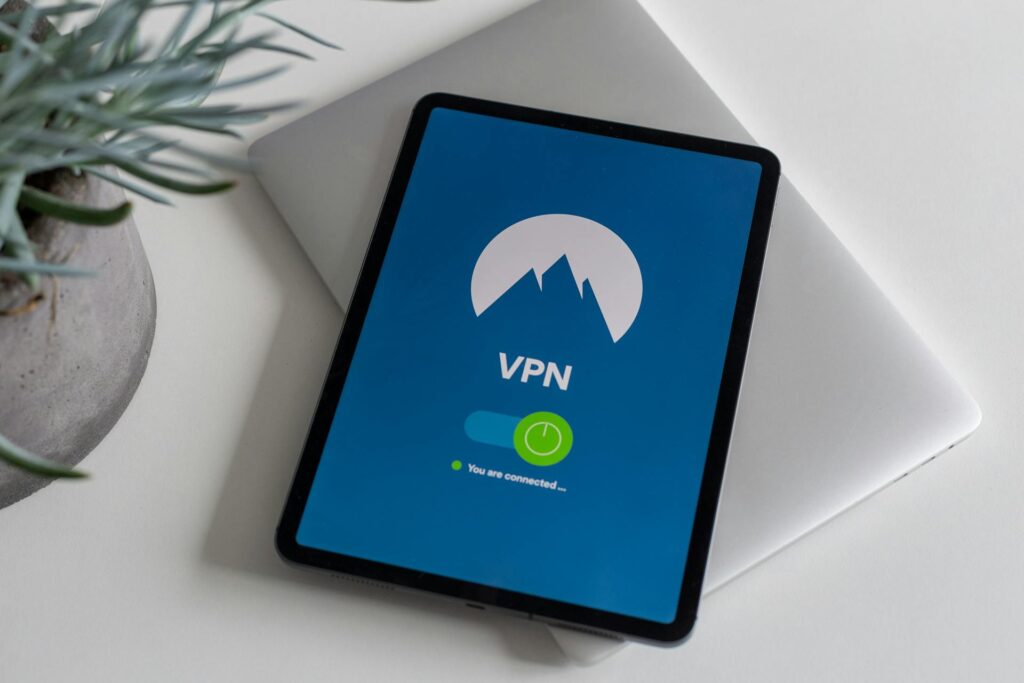
Once you’ve decided which provider to use, you can download all of the compatible VPN apps from the provider’s official website. Users who prefer mobile access can install a VPN app more easily. Simply open the app store on your device, look for the VPN you wish to use, and install it. Android users can find VPN options on Google Play, while iOS users can find free VPN apps on the App Store.
Once installed, connecting typically requires only a single tap. Most free services automatically select a server, reducing the need for manual configuration. This simplicity is particularly useful for users new to VPN tools.
Making a Balanced Choice
A free VPN is not a universal solution, but it can be a practical starting point. The key is matching expectations with actual needs. For light browsing, public Wi-Fi protection, and basic privacy awareness, a free option may be sufficient.
Users who later require higher speeds, broader server access, or advanced controls can reassess their options with real-world experience in mind. Testing a free VPN for a short period often provides clearer insight than relying on feature lists alone.
Choosing carefully, reading basic documentation, and understanding trade-offs leads to a safer and more predictable experience—without unnecessary complexity.
More Stories
GPS Tracker for a Senior With Dementia Who Still Drives
How Residential Proxies Improve the Reliability of Web Scraping Systems
How to Choose a US Dedicated Server Region for National Reach